Windows allow us to integrate Bing maps in our application so we need to generate an application key using Bing developer account . This article shows you how to generate Bing map application key from Bing developer account .
 Generate Key from Bing Map Portal:
I have shown below steps for register Application key for windows based application using Step 1:
Navigate to Bing map Developer portal https://www.bingmapsportal.com/ and login using your Microsoft account
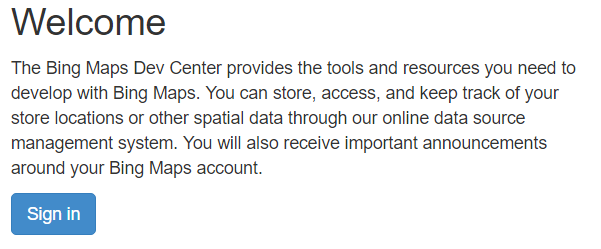
Step 2:Create new Bing map account
Step 2:Create new Bing map account :
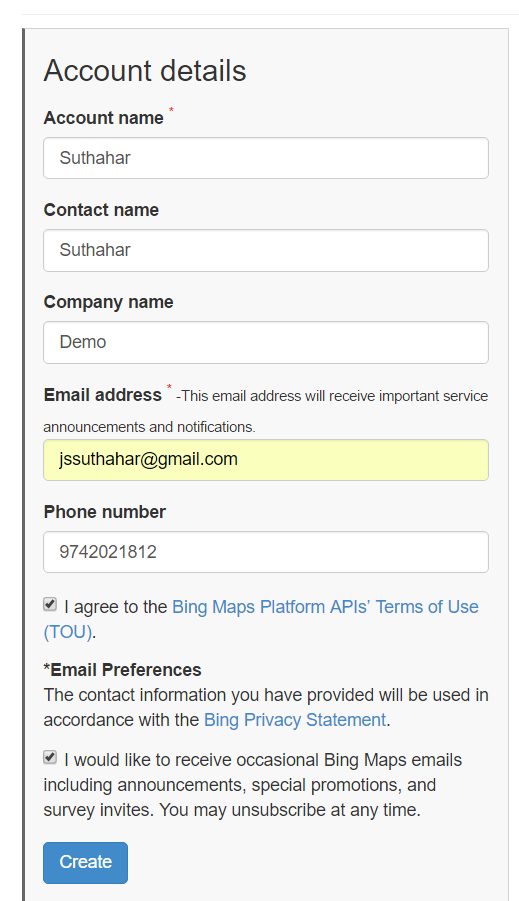
Provide the following basic profile information and accept Bing map terms and condition and click Create. If you already registered user, no need to do this step
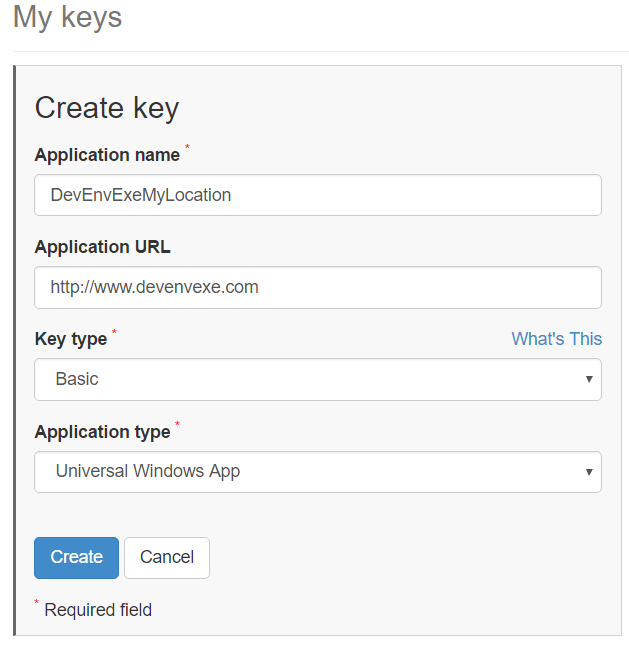
And click on createnew application key and provide application name, key type( Basic/Enterprise), application type and click on create or You can chose already created Bing map application key
I willshare bing map implementation in my next article. If you have any question or feedback, please share in the comment box.
Step 3: Generate Application Key:
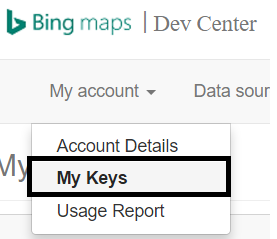
In Bing map Portal, Click on My Account and select My keysAnd click on create
Step 4: Completed
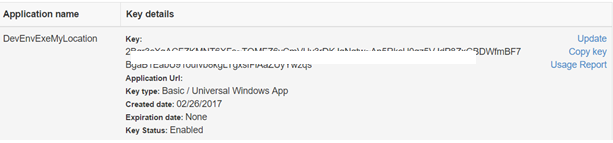
After successfully created application key, the new key appears below the My keys form. Copy it to a safe place or immediately add it to your app.I will
No comments: